Note: To get started with Pest v4's new features, including browser testing, please refer to the upgrade guide: Upgrade Guide →.
- Browser Testing
- Smoke Testing
- Visual Regression Testing
- Test Sharding
- Type Coverage Is Much Faster
- Profanity Checking
- On Top of PHPUnit 12
Pest v4 Is Here — Now with Browser Testing
Today, we are thrilled to announce the release of Pest v4, bringing our biggest testing upgrade yet: powerful Browser Testing. Pest's new browser testing features let you write elegant, maintainable browser tests — with first-class support for Laravel's testing API and the ability to run tests in parallel. For the first time, this is browser testing that feels as good as writing unit tests.
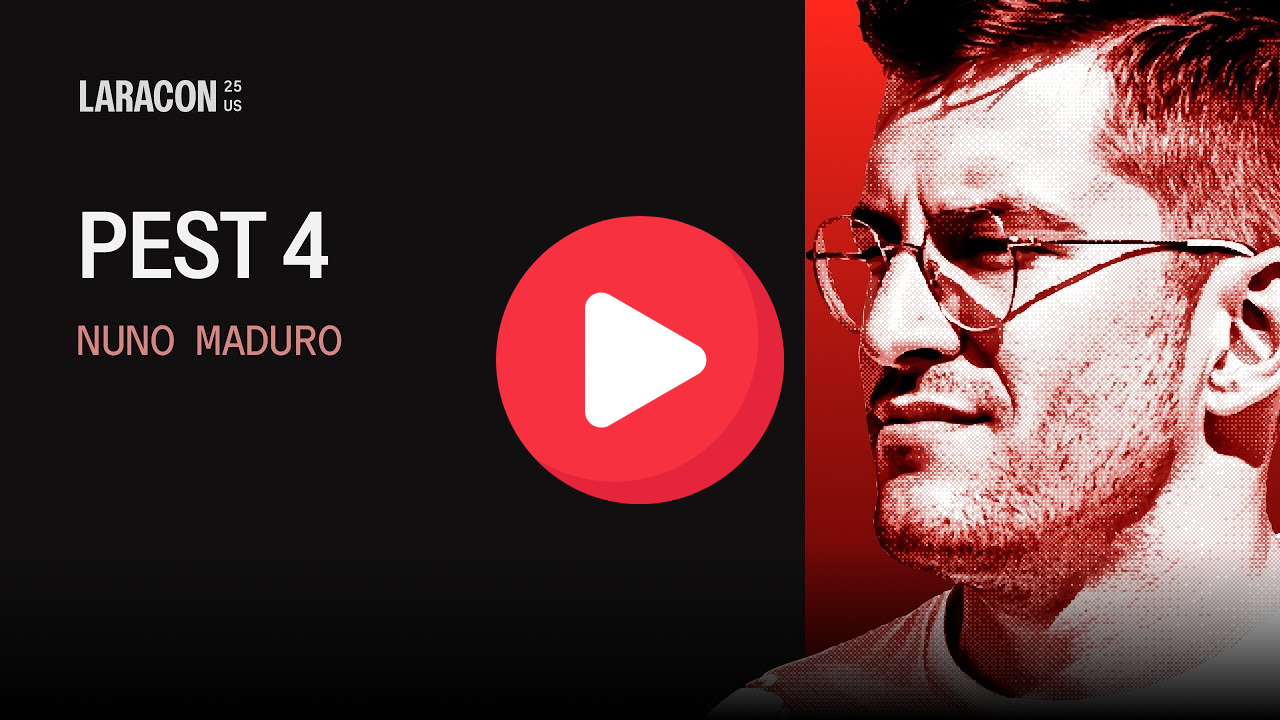
Here is the creator of Pest, Nuno Maduro, demoing the new browser testing features in Pest v4 at Laracon US:
Here is an example of Browser Testing using Laravel:
1it('may reset the password', function () { 2 // access any laravel testing helpers... 3 Notification::fake(); 4 5 // access to the database — using the RefreshDatabase trait (even sqlite in memory...) 6 $this->actingAs(User::factory()->create()); 7 8 $page = visit('/sign-in') // visit on a real browser... 9 ->on()->mobile() // or ->desktop(), ->tablet(), etc...10 ->inDarkMode(); // or ->inLightMode()11 12 $page->assertSee('Sign In')13 ->click('Forgot Password?')14 ->type('email', 'nuno@laravel.com')15 ->press('Send Reset Link')16 ->assertSee('We have emailed your password reset link!')17 ->assertNoJavascriptErrors(); // or ->assertNoConsoleLogs()18 19 Notification::assertSent(ResetPassword::class);20});With Pest v4's browser testing, you may:
- Seamlessly use Laravel features like
Event::fake(),assertAuthenticated(), and model factories - Use
RefreshDatabase, even with SQLite in-memory databases, to ensure a clean state for each test - Test on multiple browsers (Chrome, Firefox, Safari)
- Test on different devices and viewports (like iPhone 14 Pro, tablets, or custom breakpoints)
- Switch color schemes (light/dark mode)
- Interact with the page (click, type, scroll, select, submit, drag-and-drop, touch gestures, etc.)
- Run parallel browser tests for dramatically faster suites
- Take screenshots or pause tests for debugging
- …all with the elegance of Pest syntax
- Playwright-based — modern, fast, and reliable
To get started with browser testing in Pest, you will need to install the Pest Browser Plugin:
1composer require pestphp/pest-plugin-browser --dev2 3npm install playwright@latest4npx playwright installOnce installed, you may use the visit() function anywhere. Finally, to run this test, you execute ./vendor/bin/pest in your terminal. Pest will handle the rest, launching a browser, navigating to the page, and performing the actions you specified.
Smoke Testing
Smoke testing your application in real browsers has never been easier. With Pest v4, you may visit all of your application's pages and ensure they do not throw any JavaScript errors or log any console errors:
1$routes = ['/', '/about', '/contact'];2 3visit($routes)->assertNoSmoke();4 5// assertNoSmoke() is a shorthand for:6// - assertNoJavascriptErrors()7// - assertNoConsoleLogs()Visual Regression Testing
Sometimes you may wish to ensure your pages look exactly as expected over time. Pest v4 introduces visual regression testing with the assertScreenshotMatches() assertion. This allows you to take screenshots of your pages and compare them against baseline images, ensuring that your UI remains consistent across changes:
1$pages = visit(['/', '/about', '/contact']);2 3$pages->assertScreenshotMatches();This is only a glimpse of what Browser Testing in Pest v4 can do. You may find out more about the new features below, and check out the Browser Testing documentation for a complete guide on how to get started.
Test Sharding
Pest v4 introduces Test Sharding, allowing you to split your test suite into smaller, manageable chunks. This is particularly helpful for large applications, or when running browser tests, where running all tests at once can be time-consuming.
This feature is especially useful on CI platforms, where on services like GitHub Actions you can no longer scale vertically, but rather horizontally. This means you may run your tests in parallel across multiple machines, significantly speeding up your test suite execution.
To get started with Test Sharding, you may use the --shard option when running Pest:
1# GitHub Workflow One 2./vendor/bin/pest --shard=1/4 3 4# GitHub Workflow Two 5./vendor/bin/pest --shard=2/4 6 7# GitHub Workflow Three 8./vendor/bin/pest --shard=3/4 9 10# GitHub Workflow Four11./vendor/bin/pest --shard=4/4You may combine this with the --parallel option to run your tests in parallel, and in this way truly maximize your test suite execution speed:
1./vendor/bin/pest --shard=1/4 --parallelFinally, to set up sharding in your CI configuration, you need only ensure each job runs a different shard of your test suite. For example, in GitHub Actions, you may use the matrix strategy to define multiple jobs that run different shards:
1strategy:2 matrix:3 shard: [1, 2, 3, 4]4 5name: Tests (Shard ${{ matrix.shard }}/4)6 7steps:8 - name: Run tests9 run: ./vendor/bin/pest --parallel --shard ${{ matrix.shard }}/4Type Coverage Is Much Faster
Remember the days when you had to wait for your type coverage to run? Not anymore. Pest v4 introduces a new type coverage engine that is significantly faster than previous versions.
Type coverage is now 2x faster on the first run and instant on subsequent runs. This means you may quickly check your type coverage without waiting for long periods, making your development workflow much more efficient.
In addition, Type Coverage now supports Sharding. This means you may run type coverage with the --shard option, as you do with your tests.
Profanity Checking
Pest v4 introduces a new feature that allows you to check for profanity in your test code. This is particularly helpful for maintaining a clean and professional codebase, especially in collaborative environments.
You may enable profanity checking by adding the --profanity option when running Pest:
1./vendor/bin/pest --profanityTo start using Pest's Profanity plugin, you will need to require the plugin via Composer:
1composer require pestphp/pest-plugin-profanity --devOnce the plugin is required, you may use the --profanity option to generate a report of your profanity:
1./vendor/bin/pest --profanityIf any of your files contain profanity, they will be highlighted in red and displayed using their respective line numbers and the profane word(s) that have been found.
For example, pr31(f*ck) means that the word "fuck" was found on line 31.
To learn more about the Profanity plugin and how to configure it, check out the Profanity documentation.
Skip Locally or On CI
Pest v4 introduces the ability to conditionally skip tests based on the environment. You may use skipLocally() to skip tests when running locally, or skipOnCi() to skip tests when running on a CI server:
1it('does not run locally', function () {2 // This test will be skipped when running locally3})->skipLocally();4 5it('does not run on CI', function () {6 // This test will be skipped when running on a CI server7})->skipOnCi();Miscellaneous Improvements
- You may now use
skipLocally()orskipOnCi()to conditionally skip tests based on the environment. - The
not->toHaveSuspiciousCharacters()arch expectation has been added to help you identify potential suspicious characters in your code. This arch expectation is now enabled by default on thephparch preset. This expectation requires theintlPHP extension. - The expectation
toBeSlughas been added to help you validate that a string is a valid slug.
On Top of PHPUnit 12
Pest v4 is built on top of PHPUnit 12, which means you get all the latest features and improvements from PHPUnit. As such, be sure to check out the PHPUnit 12 release announcement.
Thanks To You, Pest v4 Is Here!
There has never been a better time to dive into testing and start using Pest. If you are ready to get started with Pest v4 right away, check out our installation guide for step-by-step instructions. And if you are currently using an earlier version of Pest, we have you covered with detailed upgrade instructions in our upgrade guide.
Thank you for your continued support and feedback. We can't wait to see what you build with Pest v4!
Thank you for reading about Pest v4's new features! Want to get started with Pest? You can find the installation guide in the next section of the documentation: Installation →