# Writing Tests
In this section, we will provide a brief overview of how to write tests using Pest. After successfully [installing Pest](/docs/installation), you will find the following files and folders in your project:
```plain
├── 📂 tests
│ ├── 📂 Unit
│ │ └── ExampleTest.php
│ └── 📂 Feature
│ │ └── ExampleTest.php
│ └── TestCase.php
│ └── Pest.php
├── phpunit.xml
```
The `tests` folder serves as the main directory where all your test files will reside. Within this folder, you will find two sub-folders, `Unit` and `Feature`, which house your unit and feature tests, respectively. The `TestCase.php` file is where you can define common functionality or setup that you want to use across all your tests. Lastly, the `Pest.php` file is where you can [configure your test suite](/docs/configuring-tests).
Additionally, a `phpunit.xml` file can be found in the root of your project, and is used to configure PHPUnit's various options when running tests. It's important to note that Pest is built on top of PHPUnit, which means that all the options offered by PHPUnit can also be used in Pest. Therefore, any customization or configuration that you do with the `phpunit.xml` file will also apply to Pest tests.
As you begin writing tests for your project, it's important to consider how to create and organize your test files effectively. Typically, test files are suffixed with `Test.php`, such as `ExampleTest.php`.
## Your First Test
For our first test, let's write something simple. Imagine that your project features a global function called `sum` that adds two numbers together. To test this function, you would create a `Tests\Unit\SumTest.php` file with the following code.
```php
test('sum', function () {
$result = sum(1, 2);
expect($result)->toBe(3);
});
```
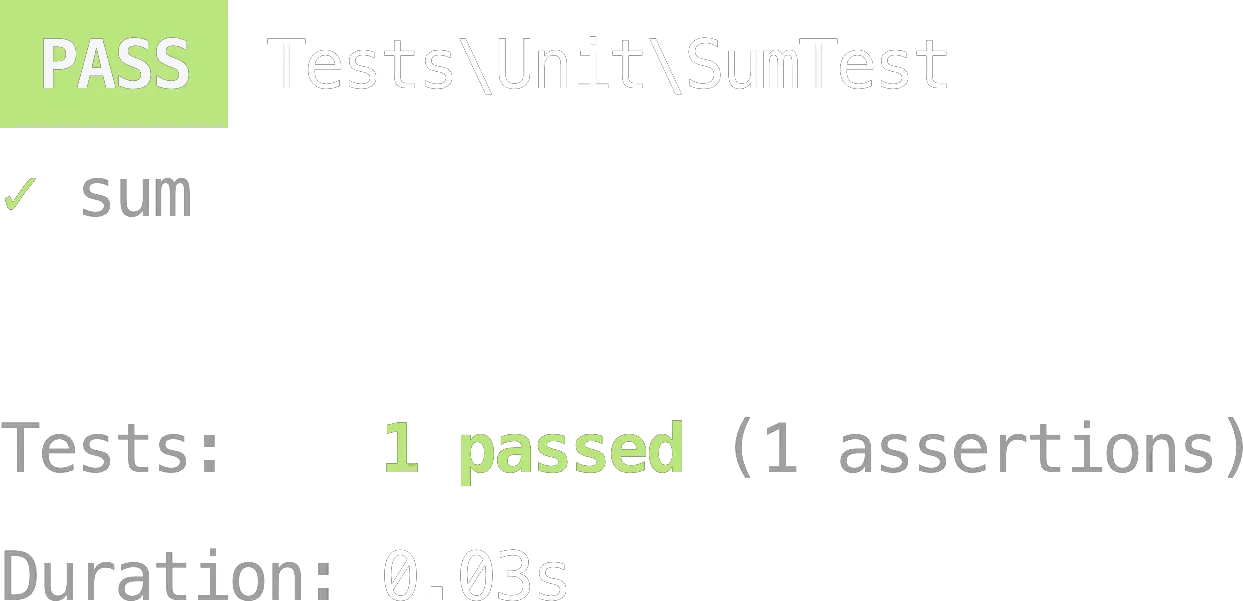
After writing your test code, it's time to run your tests using Pest. When you execute the `./vendor/bin/pest` command, Pest will display a message indicating whether your tests passed or failed.
As an alternative to the `test()` function, Pest provides the convenient `it()` function that simply prefixes the test description with the word "it", making your tests more readable.
```php
it('performs sums', function () {
$result = sum(1, 2);
expect($result)->toBe(3);
});
```
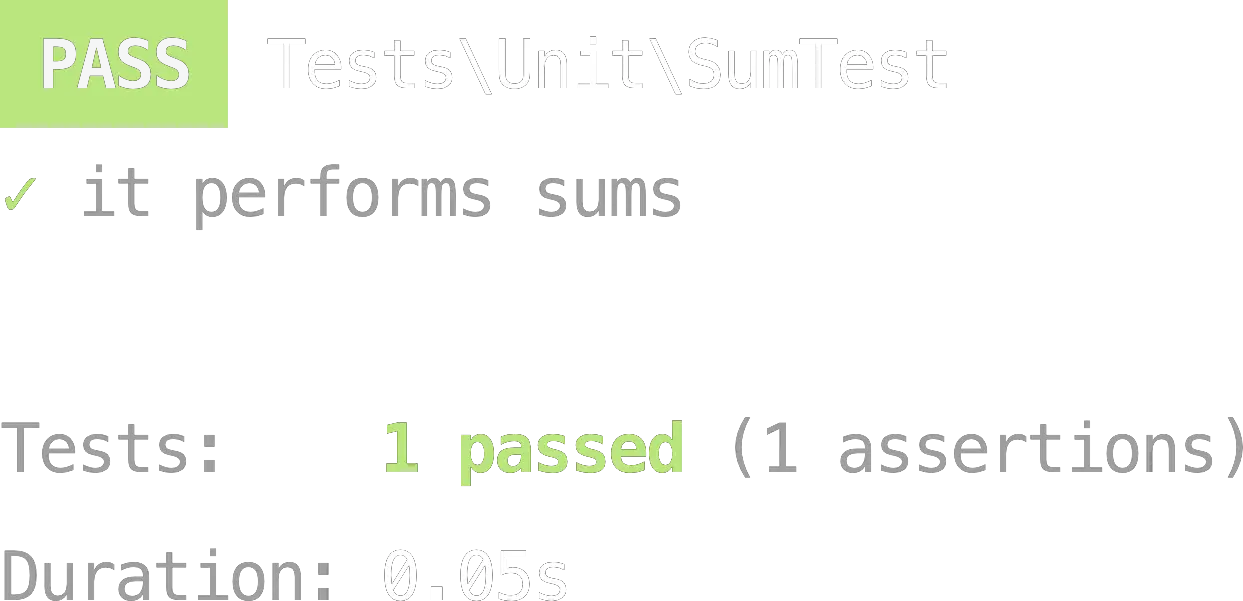
In this case, when you run the `./vendor/bin/pest` command, the output will include the description "it performs sums", along with the result of the test.
Finally, you can also use the `describe()` function to group related tests together. For instance, you can use the `describe()` function to group all your tests related to the `sum()` function.
```php
describe('sum', function () {
it('may sum integers', function () {
$result = sum(1, 2);
expect($result)->toBe(3);
});
it('may sum floats', function () {
$result = sum(1.5, 2.5);
expect($result)->toBe(4.0);
});
});
```
When you run the `./vendor/bin/pest` command, the output will include the description "sum performs sums", along with the result of the test.
## Expectation API
As you may have noticed in our previous examples, we made use of Pest's expectation API to perform assertions in our test code. The `expect()` function is a core part of the expectation API and is used to assert that certain conditions are met.
For instance, in our previous example, we used `expect($result)->toBe(3)` to ensure that the value of `$result` is equal to `3`. Pest's expectation API provides a variety of other assertion functions that you can use to test the behavior of your code, such as `toBeTrue()`, `toBeFalse()`, and `toContain()`.
By using the expectation API, you can write concise and readable assertions that make it clear what your code is doing and how it should behave. In the [next section](/docs/expectations), we will cover some of the most commonly used assertion functions in Pest's expectation API.
## Assertion API
While Pest's expectation API provides a convenient way to perform assertions, it's not the only option available. You can also use PHPUnit's assertion API, which can be useful if you're already familiar with PHPUnit's assertion API or if you need to perform more complex assertions that aren't available in Pest's expectation API.
```php
test('sum', function () {
$result = sum(1, 2);
$this->assertSame(3, $result); // Same as expect($result)->toBe(3)
});
```
You can find the full documentation for PHPUnit's assertion API on the PHPUnit website: [docs.phpunit.de/en/11.4/assertions.html](https://docs.phpunit.de/en/11.4/assertions.html)
---
Continue to our next section, for more information on how to use the Expectation API: [Expectations →](/docs/expectations)